

Lost goods
Use Lost goods when stock goes missing. Recording a lost item moves it out of available stock. If it turns up later, mark it as found. If it is gone for good, mark it as destroyed.
Record a lost item
Section titled “Record a lost item”Open Lost Goods
In the sidebar, under Management, click Lost Goods, then click Add New.
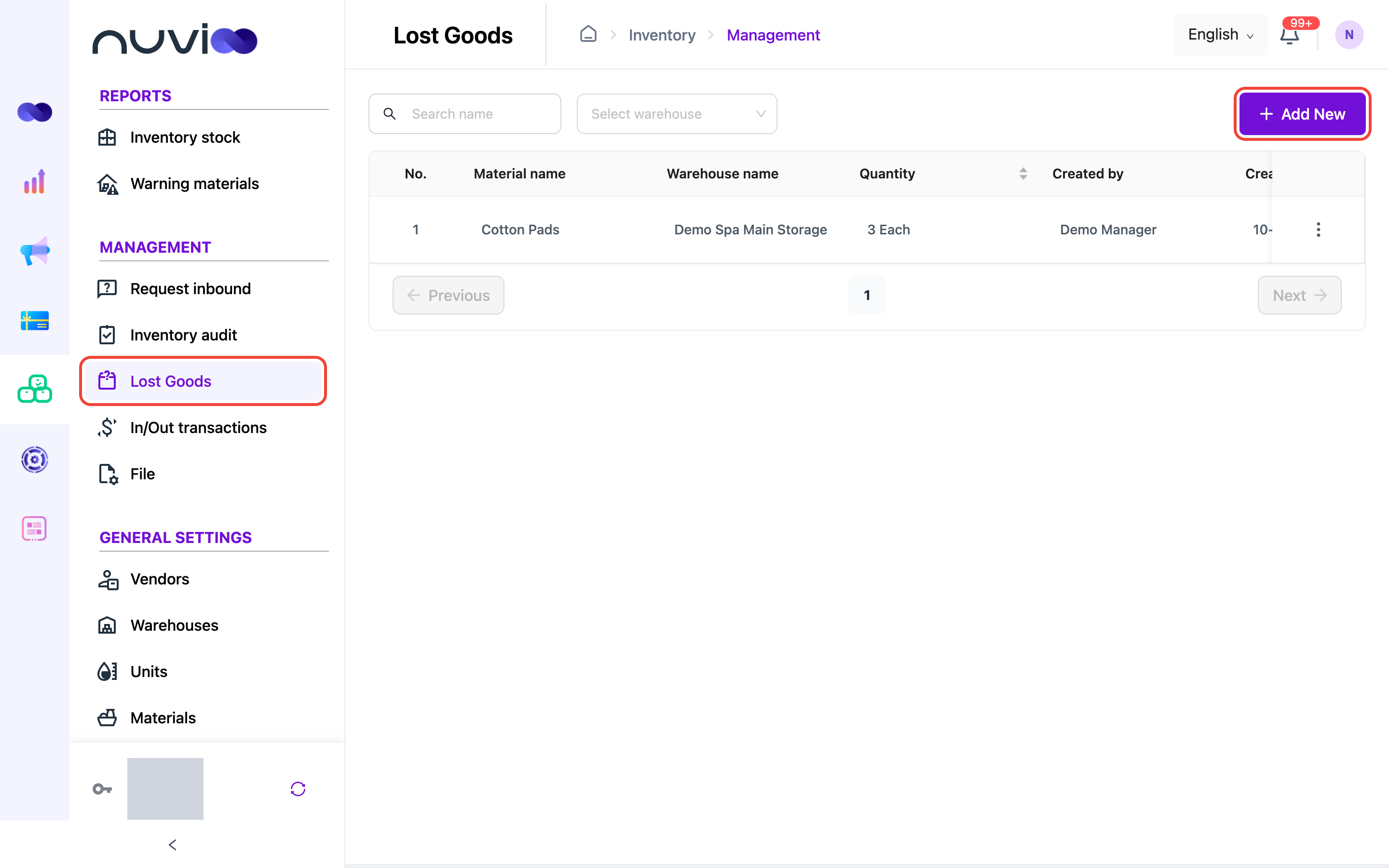
The Lost Goods list Choose the warehouse and material
In Create Lost Item, choose the Warehouse and the Material, then enter the Quantity that is missing. In stock quantity shows what is in stock now.
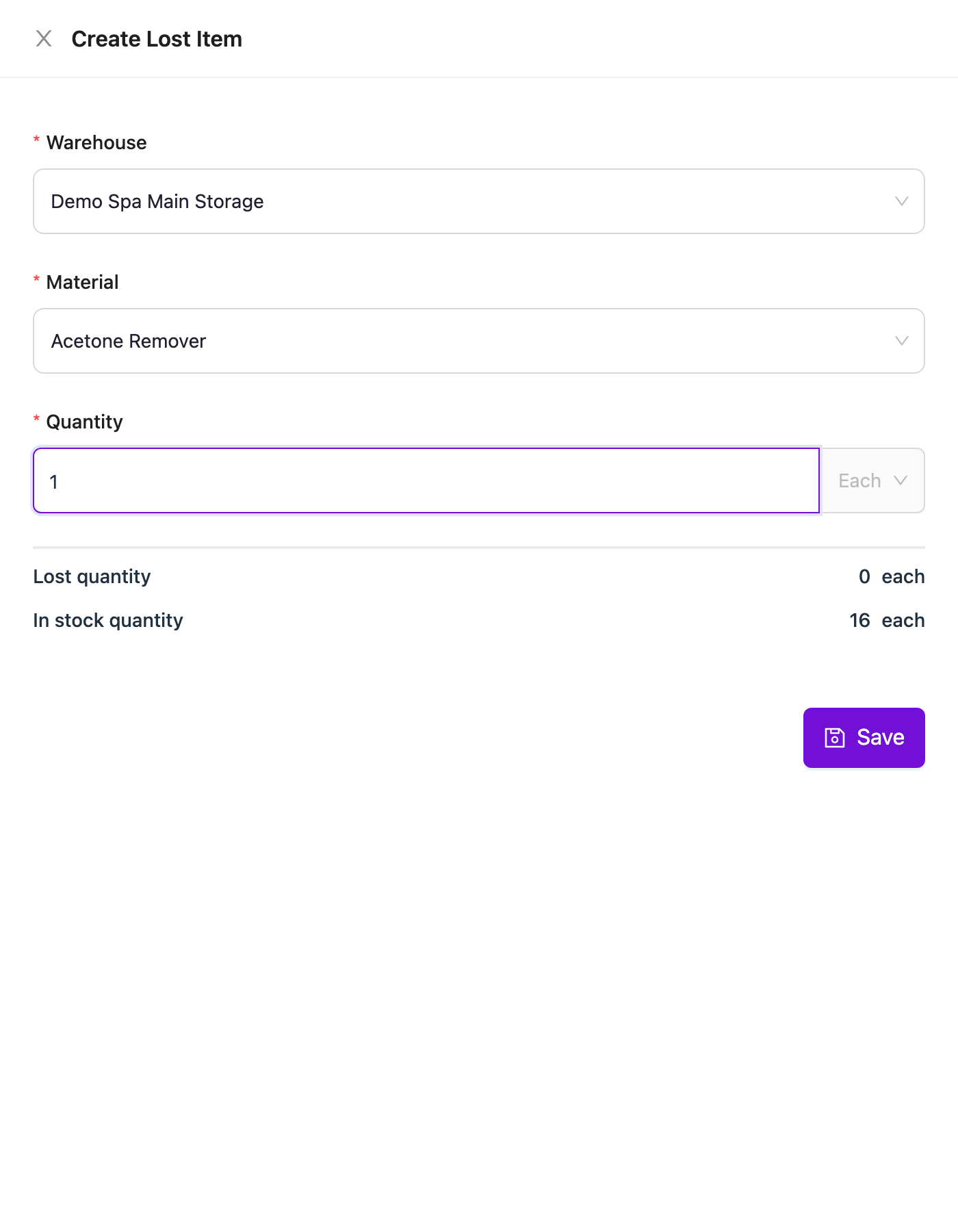
Create Lost Item Save
Click Save.
Mark a lost item as found or destroyed
Section titled “Mark a lost item as found or destroyed”Click ⋮ on the lost item, then:
- Found Item: enter the quantity found. It returns to stock.
- Destroy Item: enter the quantity to write off.
The quantity cannot be more than the lost quantity.
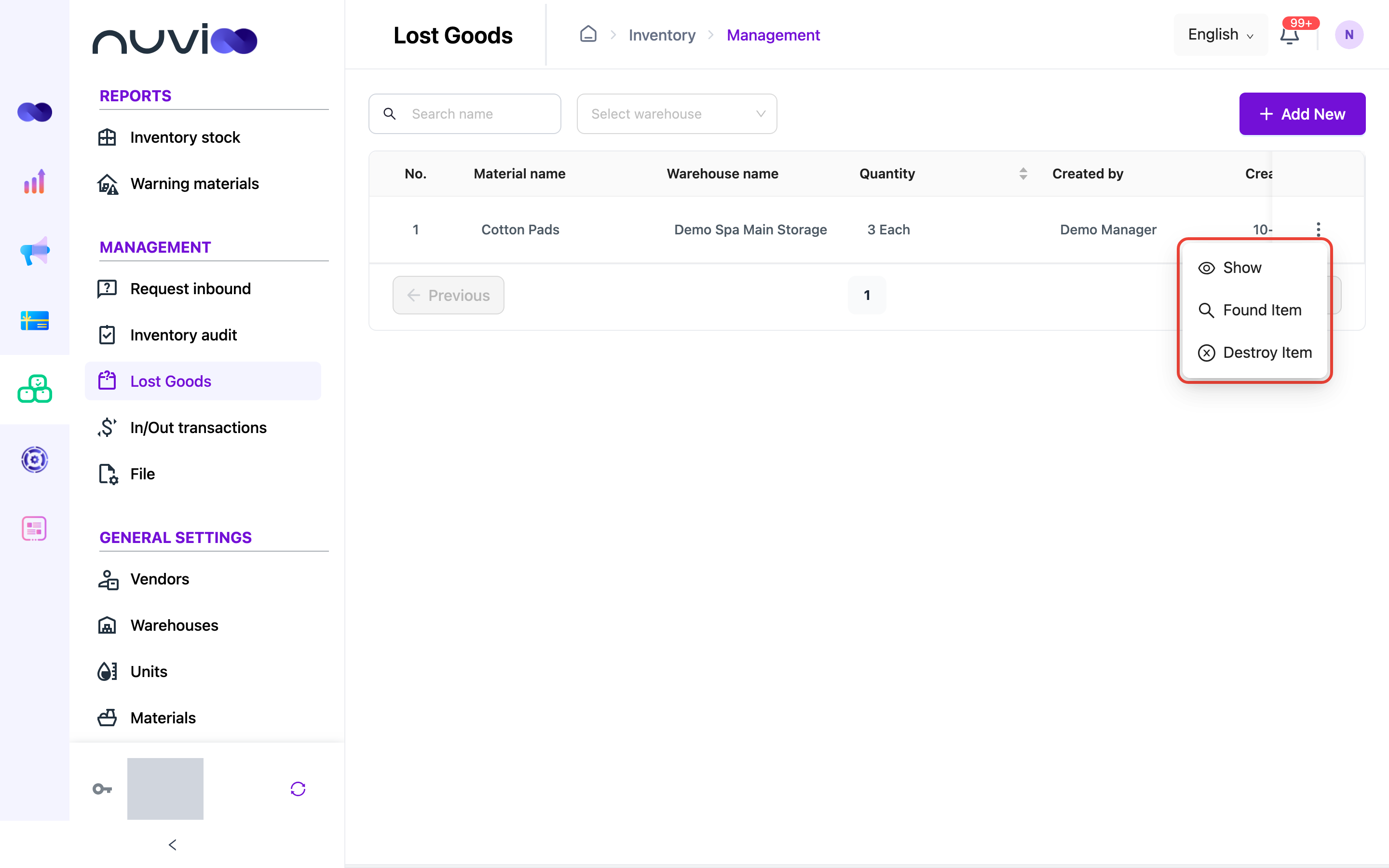
See the history of a lost item
Section titled “See the history of a lost item”Click ⋮, then Show, to see every lost, found and destroy transaction for that item.
