

Warning materials report
Warning materials shows each material’s stock against its Warning stock threshold. Set the threshold on each material.
Open the report
Section titled “Open the report”In the sidebar, under Reports, click Warning materials. To see one location, choose it in Filter by warehouse.
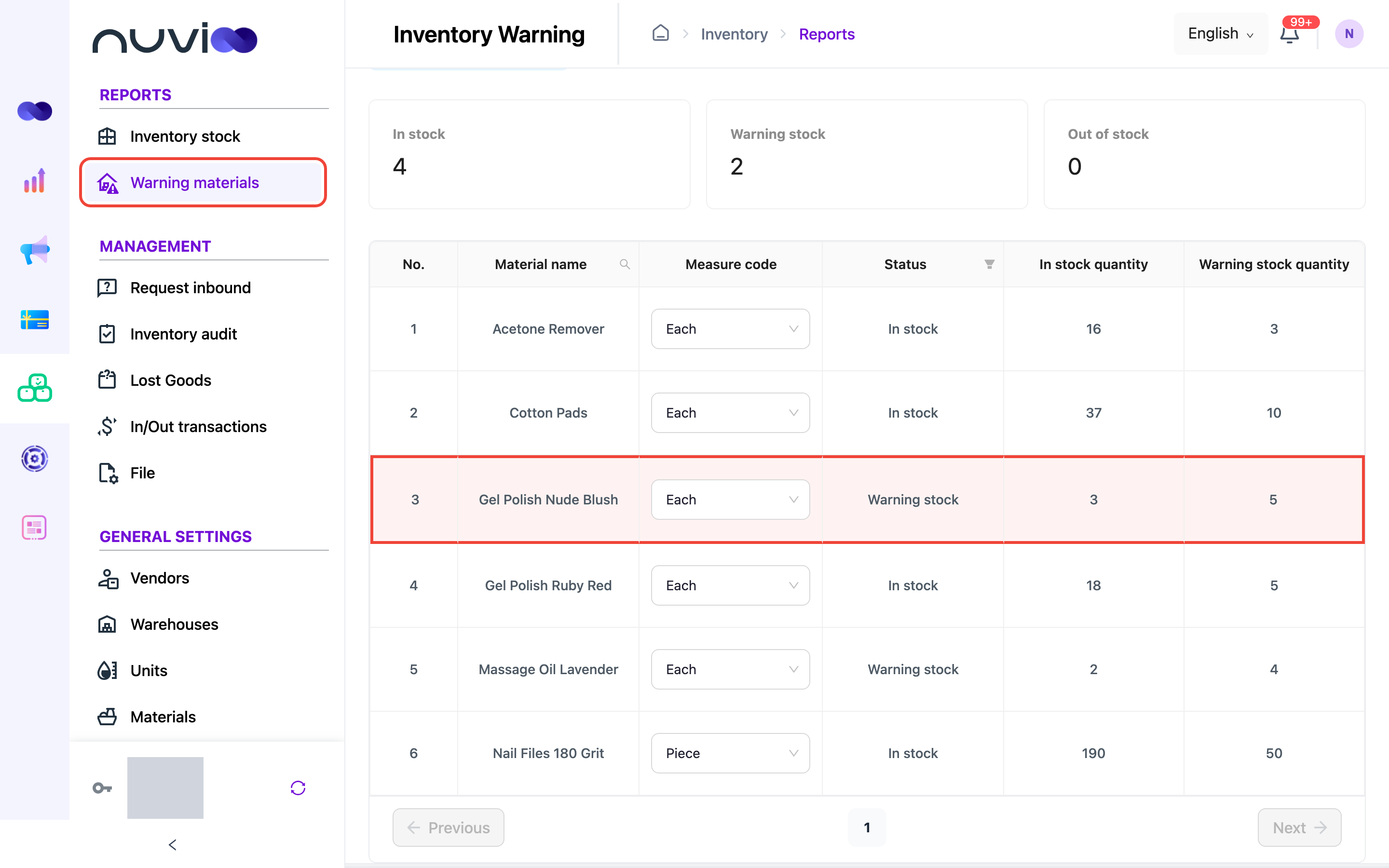
The cards at the top count materials that are In stock, at Warning stock, and Out of stock.
| Status | Meaning |
|---|---|
| In stock | Stock is above the warning threshold. |
| Warning stock | Stock is at or below the warning threshold. Time to reorder. |
| Out of stock | No stock left. |
Find materials
Section titled “Find materials”- Click the search icon in the Material name column to search by name.
- Click the filter icon in the Status column to show only Warning stock or Out of stock materials.