

Sign in and reset your password
You sign in once to use every Nuvioo app you have: Management, POS, Inventory, Gift card, CRM and CMS. The sign-in page is the same for all of them.
Sign in
Section titled “Sign in”Open your Nuvioo address
Go to your business’s Nuvioo address, for example
https://yourbusiness.nuvioo.app. If you aren’t signed in, you see Welcome to Nuvioo. Click Enter.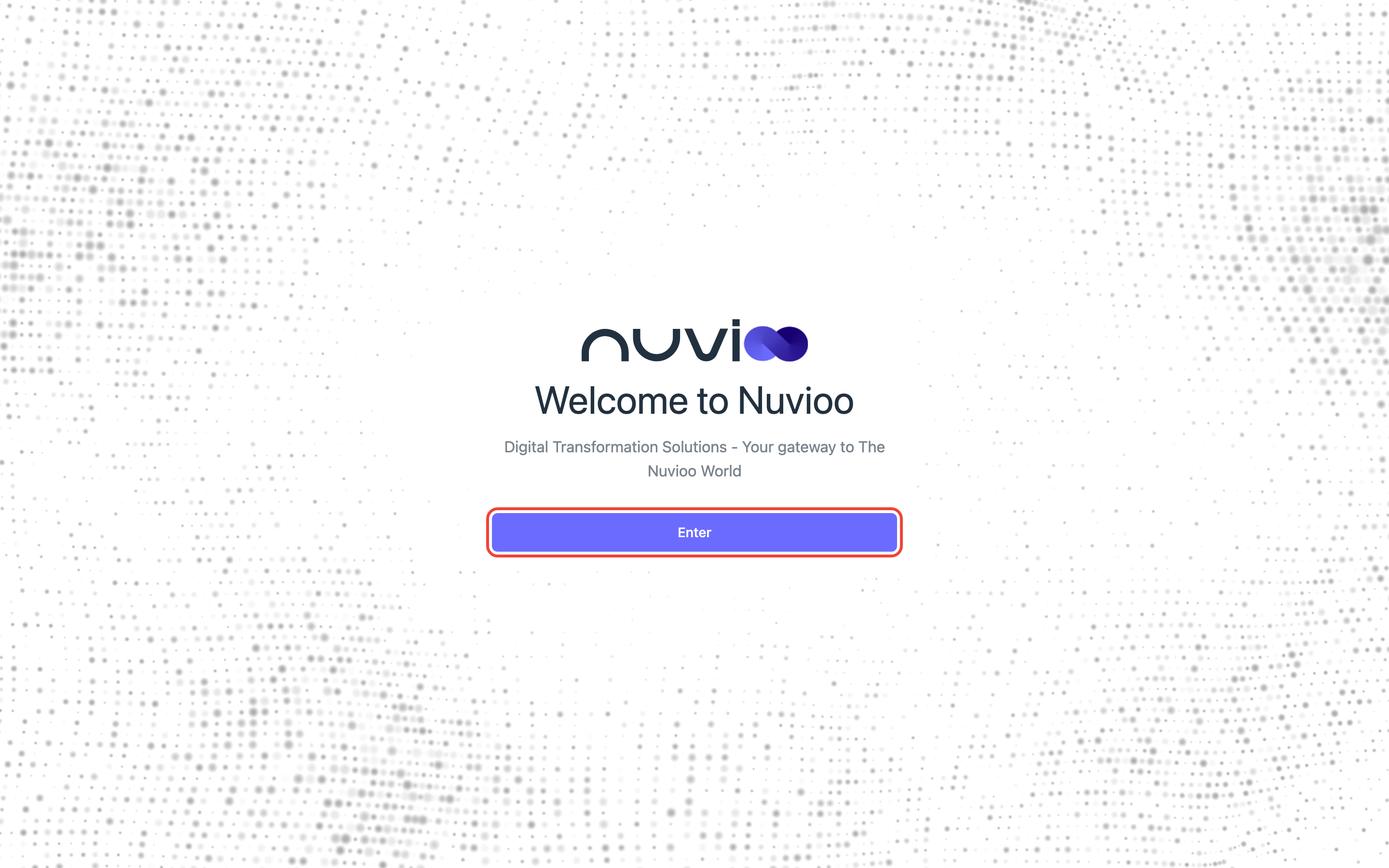
Enter your email and password
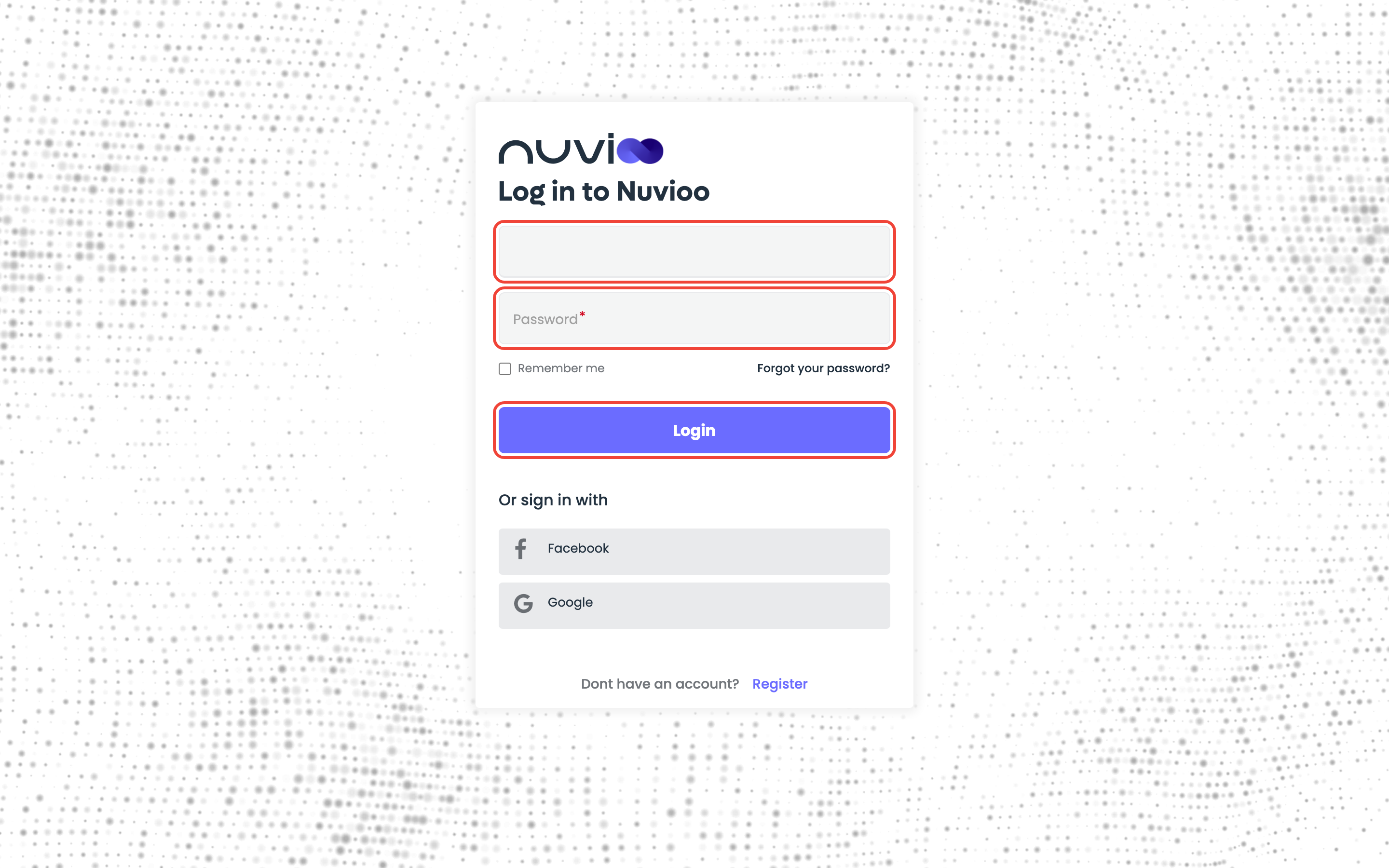
On Log in to Nuvioo, type the email address of your Nuvioo account and your Password, then click Login.
Tick Remember me to stay signed in on this browser after you close it. Don’t tick it on a shared computer.
Start working
Nuvioo opens the page you asked for, or your dashboard. To find your way around, see Navigation.
Sign in with Google or Facebook
Section titled “Sign in with Google or Facebook”Under Or sign in with, click Google or Facebook and sign in there. Use the account with the same email address as your Nuvioo account, so you reach your own business.
Create an account
Section titled “Create an account”Register, under Dont have an account?, creates a new Nuvioo account. To join a business that already uses Nuvioo, don’t register: ask its owner or admin to add you as a user. See Users.
Reset a forgotten password
Section titled “Reset a forgotten password”Open Forgot your password
On the sign-in page, click Forgot your password?
Enter your email
Type the email address of your Nuvioo account, then click Submit. Click « Back to Login if you remember your password after all.
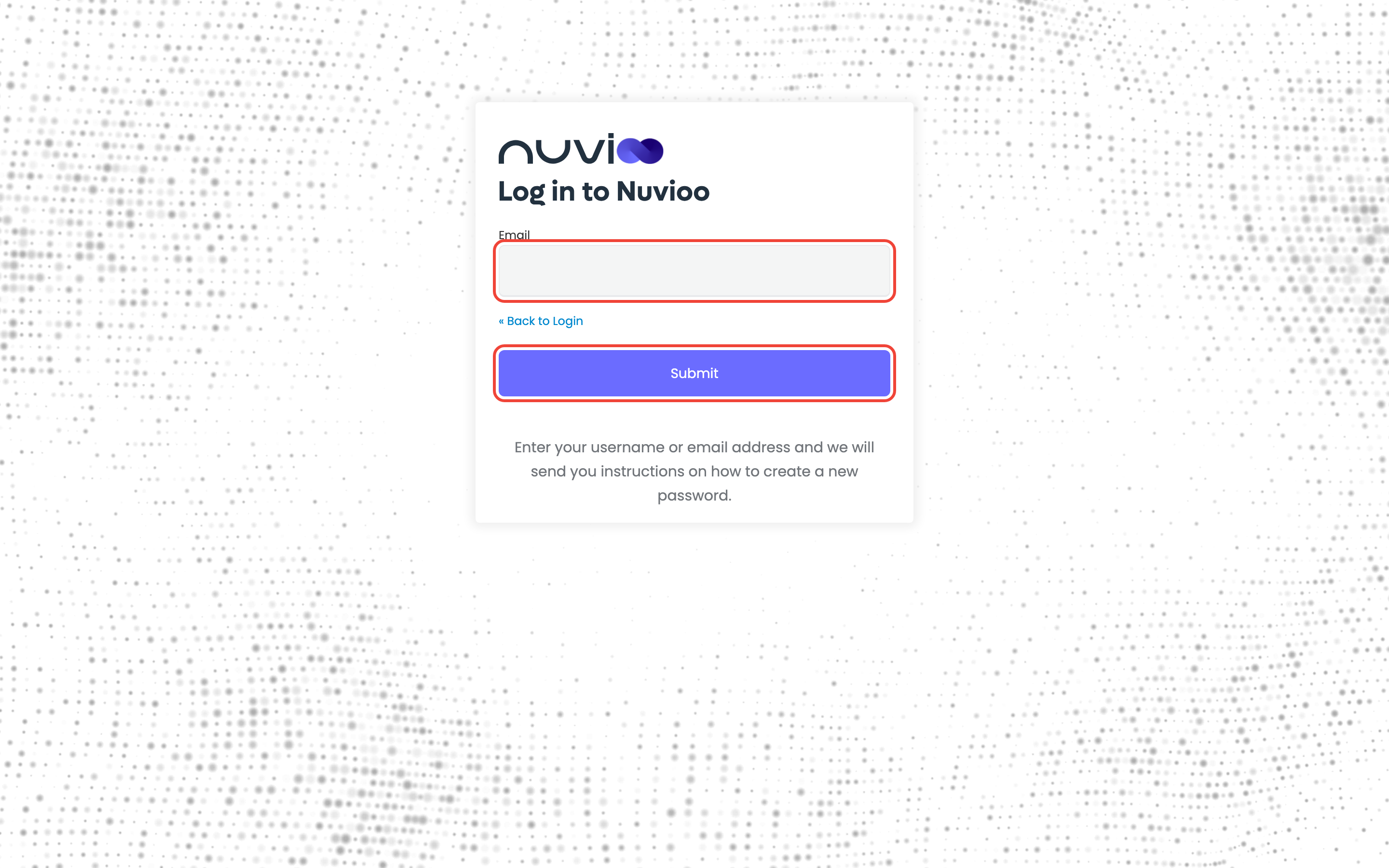
You see You should receive an email shortly with further instructions.
Open the email
Open the password reset email and click its link. Check your spam or junk folder if it doesn’t arrive within a few minutes. The link works for a limited time and only once: if it has expired, start again from Forgot your password?
Choose a new password
On Update password, enter your New Password and type it again in Confirm password, then click Submit. You’re signed in with the new password.
If you can’t sign in
Section titled “If you can’t sign in”| Message | What to do |
|---|---|
| Invalid username or password. | Check the email address and the password (passwords are case-sensitive). Still stuck? Reset your password. |
| Account is temporarily disabled; contact your administrator or retry later. | Too many wrong passwords in a row. Wait a while and try again, or reset your password. |
| Account is disabled, contact your administrator. | Your account was turned off. Ask your business owner or admin. |
| Passwords don’t match. | New Password and Confirm password must be identical. |
| Invalid password: minimum length … or must not be equal to any of last … passwords | Choose a longer password, or one you haven’t used recently. |
| Failed to send email, please try again later. | The reset email couldn’t be sent. Try again in a few minutes, then contact support. |
| Login timeout. Please sign in again., Page has expired or Action expired | The page was open too long. Start again from your Nuvioo address. |
| Cookie not found. Please make sure cookies are enabled in your browser. | Allow cookies for nuvioo.app, then reload. |
Still can’t sign in? Ask your business owner or admin, or contact Nuvioo support.
Sign out
Section titled “Sign out”Click your picture at the top right of any Nuvioo page, then Logout. Always sign out on a shared computer. See Navigation.