

Brand your Nuvioo account
Your logo, favicon and colors replace the Nuvioo defaults across your account, so your team sees your brand.
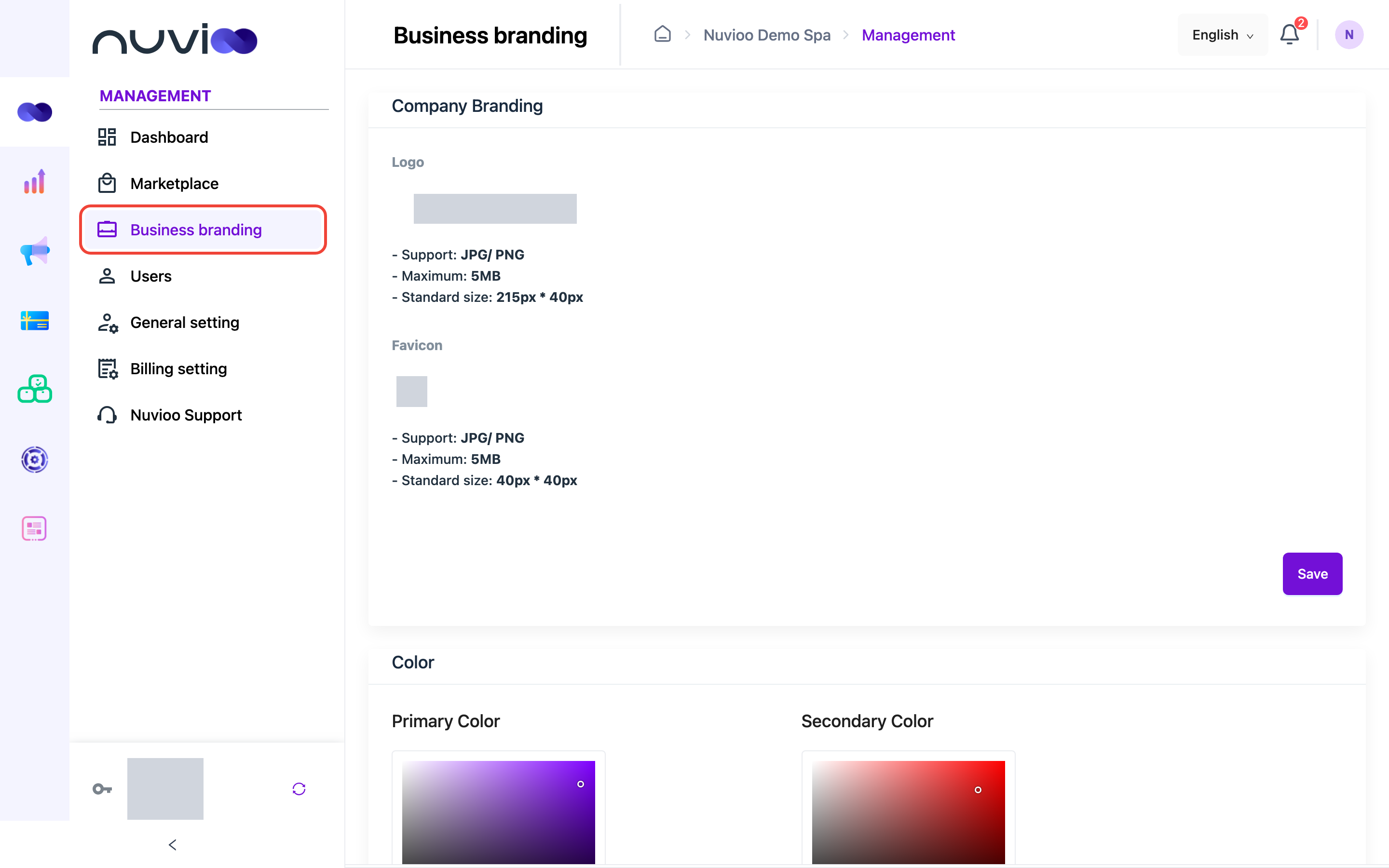
In the sidebar, under Management, click Business branding.
Upload your logo and favicon
Section titled “Upload your logo and favicon”Choose the image
Under Company Branding, click Logo or Favicon and choose a JPG or PNG file under 5 MB.
- Logo: 215 × 40 px works best.
- Favicon (the small icon in the browser tab): 40 × 40 px.
Crop it
Adjust the image in Edit image and click OK.
Save
Click Save. The page reloads with your new logo.
Choose your colors
Section titled “Choose your colors”Under Color, pick a Primary Color and a Secondary Color, or type a Hex or RGB value. Click Save.
- The primary color is used for buttons and highlights.
- The secondary color is used for selected items, for example the current page in the sidebar. Choose a light color so text stays readable.