

Dashboard
The dashboard is the first page you see after you sign in. Open it any time from Management → Dashboard, or click the home icon in the header.
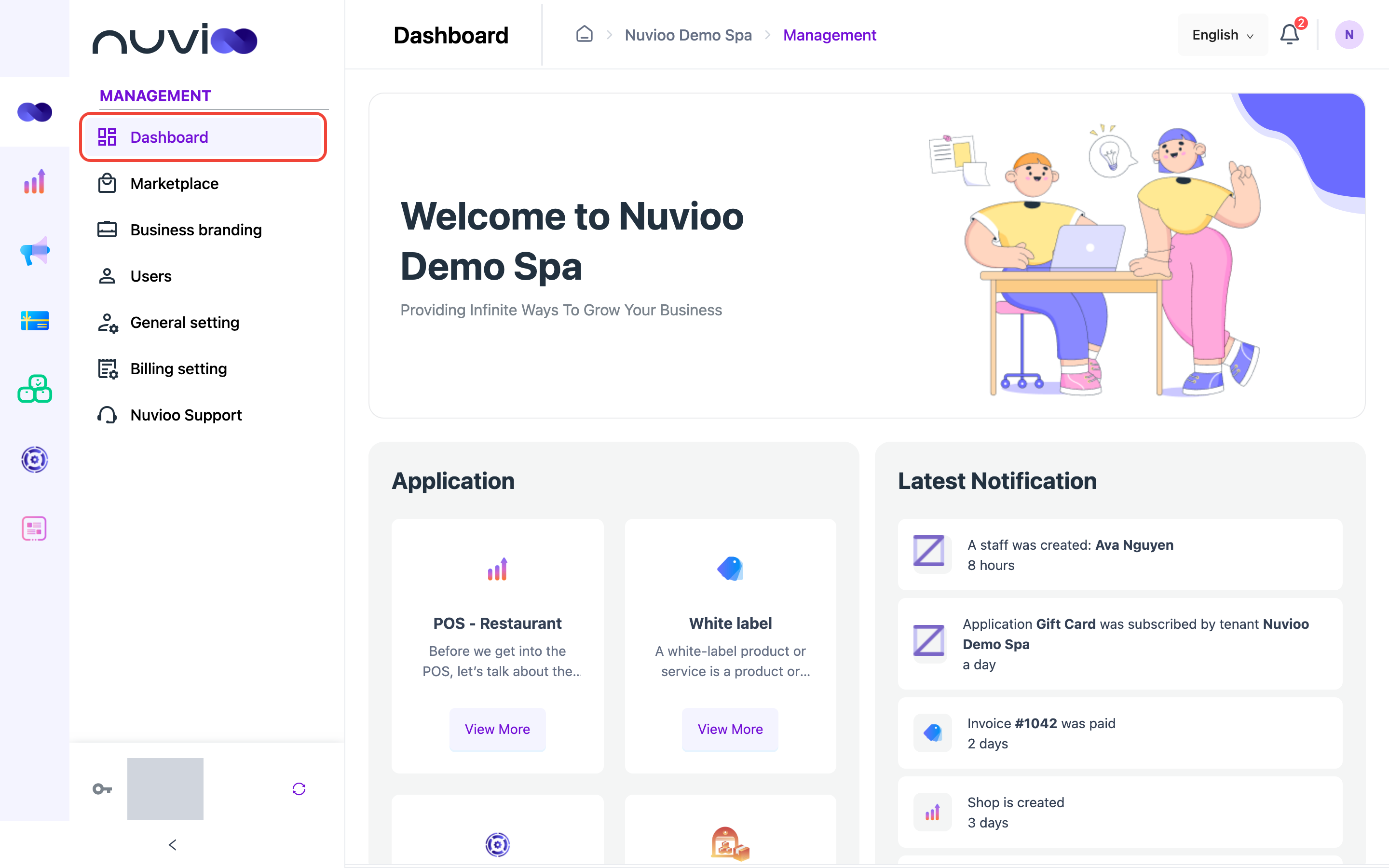
- Application: the apps you can use with Nuvioo, such as POS, CRM and Gift card. Click View More to read about an app, see its plans and subscribe. See Marketplace.
- Latest Notification: your five newest notifications. Click one to open the record it’s about. See Notifications.