

Notifications
Nuvioo notifies you about things that need your attention, such as a new staff member, a paid invoice or a new app subscription.
To see all of them, click the bell in the header, then See all.
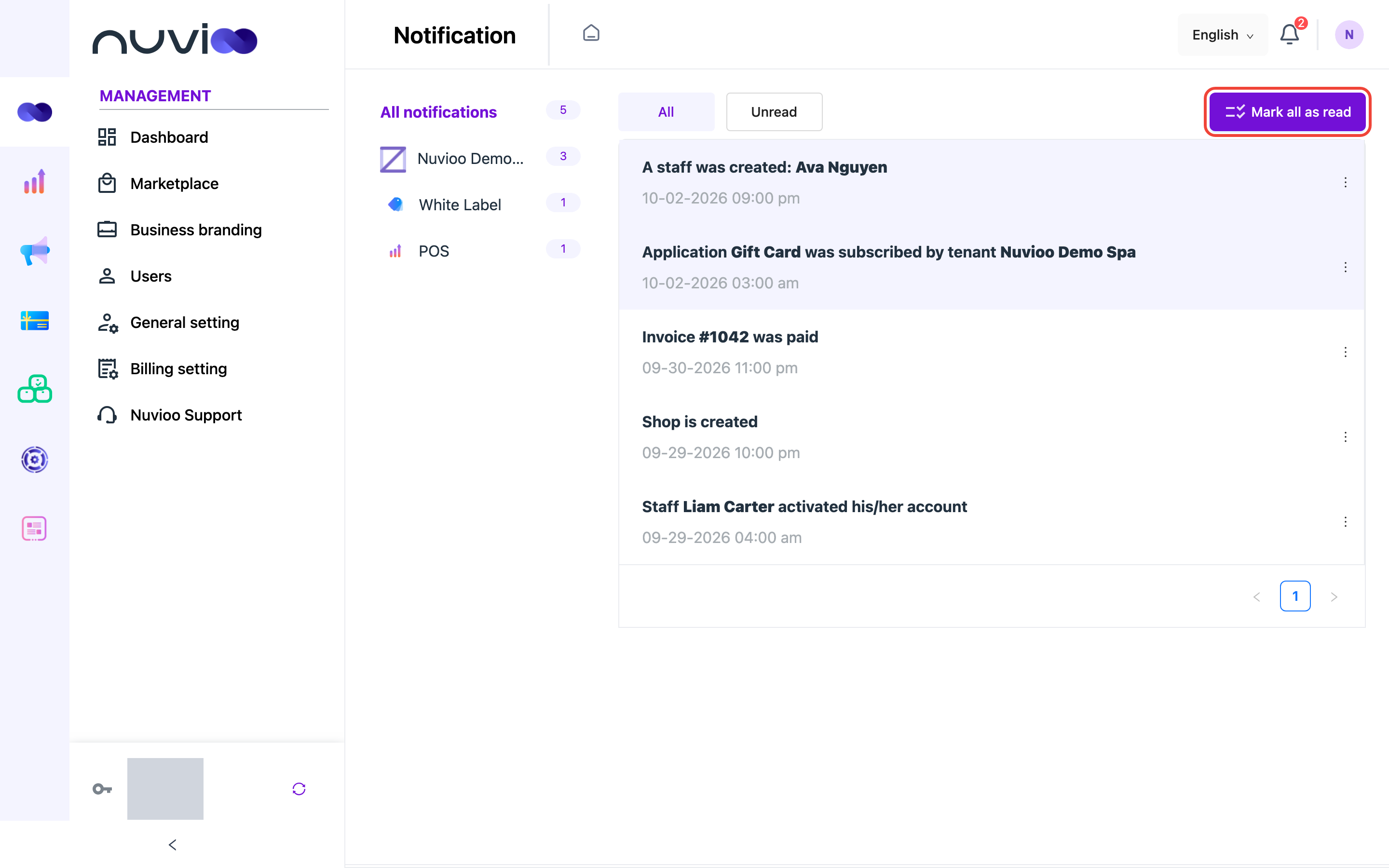
- On the left, All notifications and each module show how many notifications you have. Click one to see only that module.
- Choose All or Unread at the top.
- Click Mark all as read to clear the unread count.
- Click ⋮ on a notification to Mark as read, Mark as unread or Delete it.