

Form style and settings
Style & Settings is the second step of a form. The settings are on the left, and the Live preview on the right updates as you change them.
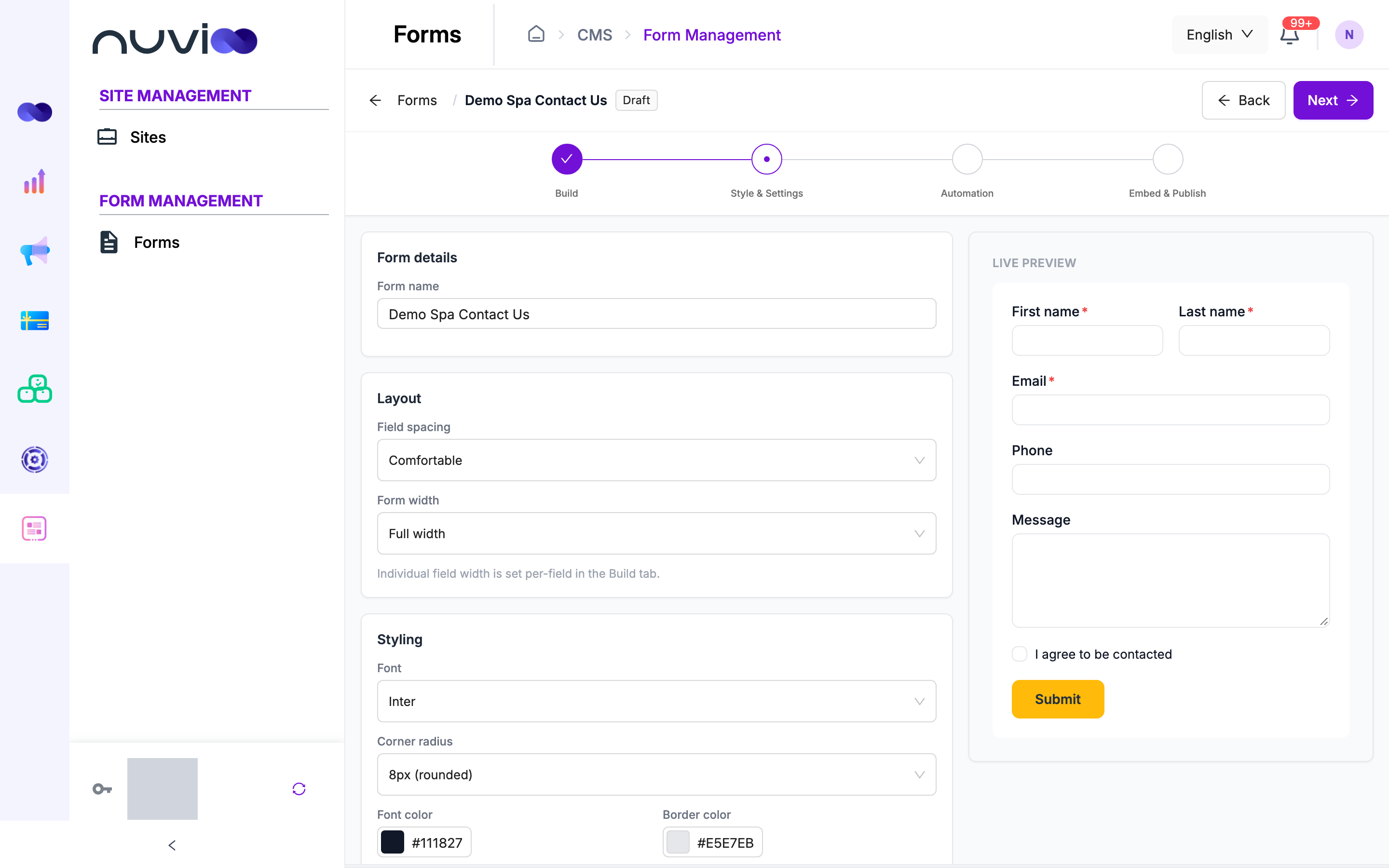
Form details
Section titled “Form details”Form name is how the form appears in your forms list. Only your team sees it.
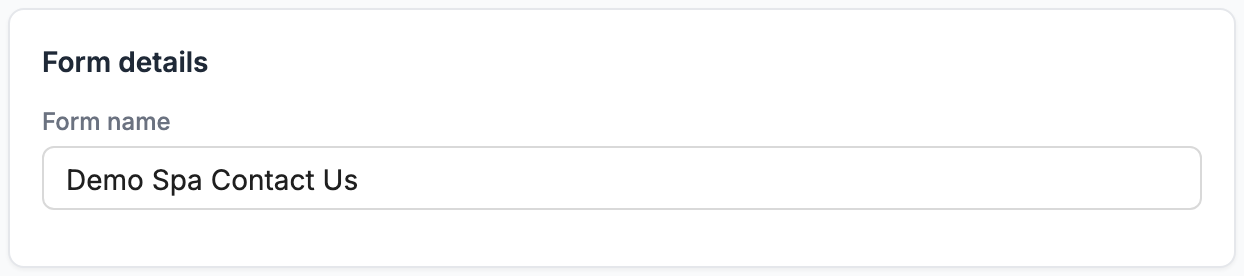
Layout
Section titled “Layout”| Setting | Options |
|---|---|
| Field spacing | Compact, Comfortable or Relaxed: the space between fields. |
| Form width | Full width fills the space on your page. 640px (medium) and 480px (narrow) keep the form compact. |
The width of each field is set on the field itself in the Build step.
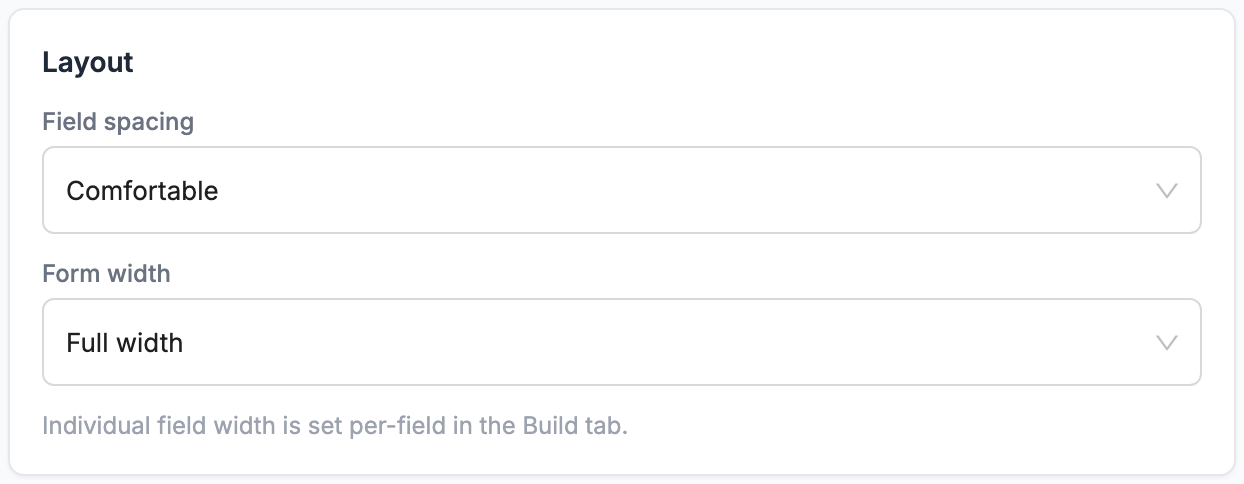
Styling
Section titled “Styling”| Setting | What it does |
|---|---|
| Font | The font for the whole form. |
| Corner radius | 0px (square), 8px (rounded) or 16px (pill) for boxes and the button. |
| Font color | The color of labels and text. |
| Border color | The color of field borders. |
| Background | The form’s background color. |
The submit button’s colors are set on the button in the Build step.
After submission
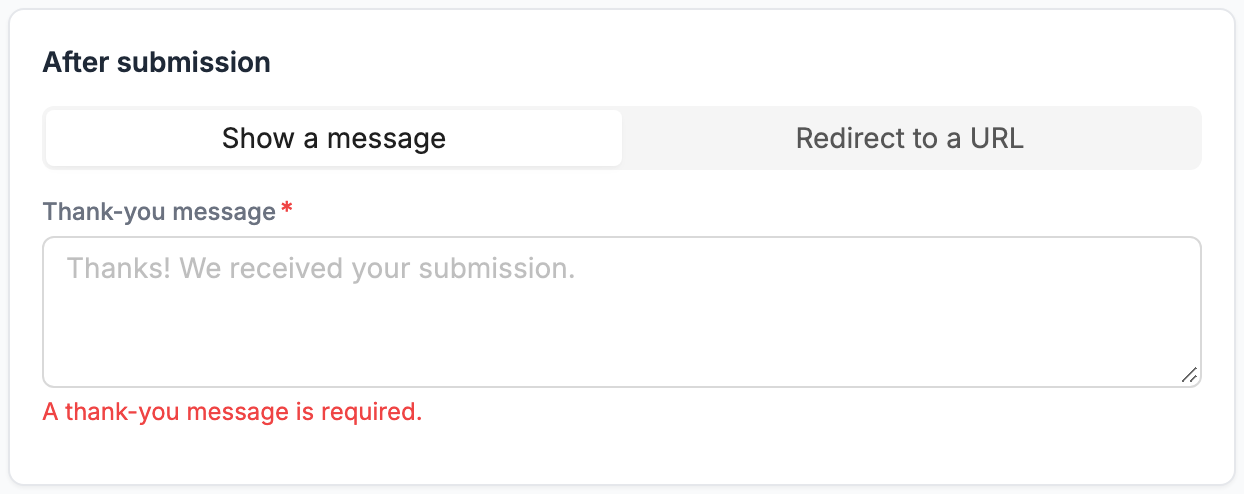
Section titled “After submission”Choose what visitors see after they submit:
- Show a message: type your Thank-you message, for example “Thanks! We received your submission.”
- Redirect to a URL: send visitors to a page on your site, for example a thank-you page. Enter the full Redirect URL, starting with
https://.
Data & spam
Section titled “Data & spam”| Setting | What it does |
|---|---|
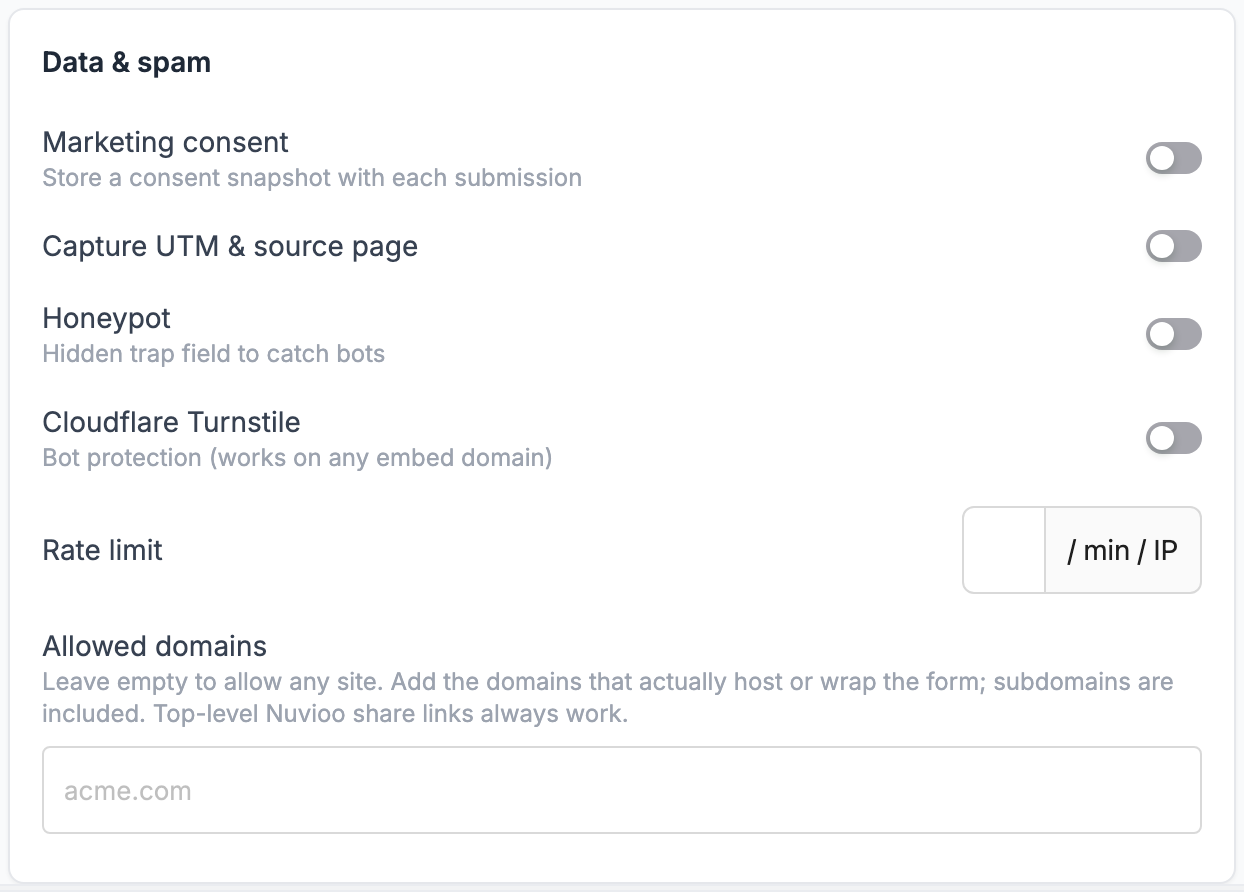
| Marketing consent | Saves the visitor’s consent with each submission. Use it with a GDPR consent field. |
| Honeypot | Adds an invisible trap field. Bots that fill it in are marked as spam. |
| Cloudflare Turnstile | Checks that the visitor is a person, usually without a puzzle. Works on any website. |
| Capture UTM & source page | The source page and its UTM tags (source, medium, campaign) are saved with every submission, whatever this switch is set to. You see them in Results. |
| Rate limit | The most submissions allowed per minute from one internet address. Nuvioo always applies a standard limit; set a lower number to make it stricter. |
| Allowed domains | The websites allowed to show the form, for example acme.com. Subdomains are included. Leave empty to allow any site. Nuvioo share links always work. |
Notifications & CRM
Section titled “Notifications & CRM”| Setting | What it does |
|---|---|
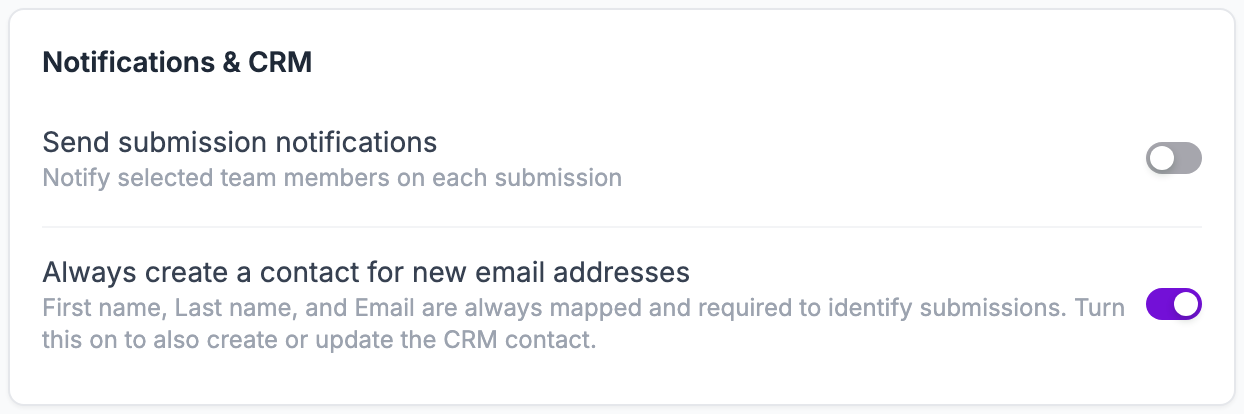
| Send submission notifications | Notifies the team members you pick on each submission. Choose them in Add users to notify. |
| Always create a contact for new email addresses | Creates a contact for each new email address, and updates the contact when the email already exists. Separately from this setting, every form needs First name, Last name and Email mapped and required (see Save answers to the CRM). |
Click Next to set up automation.