

Gift card codes
Every gift card sold at your POS gets its own code. Gift card codes lists them all.
In the sidebar, under Management, click Gift card codes.
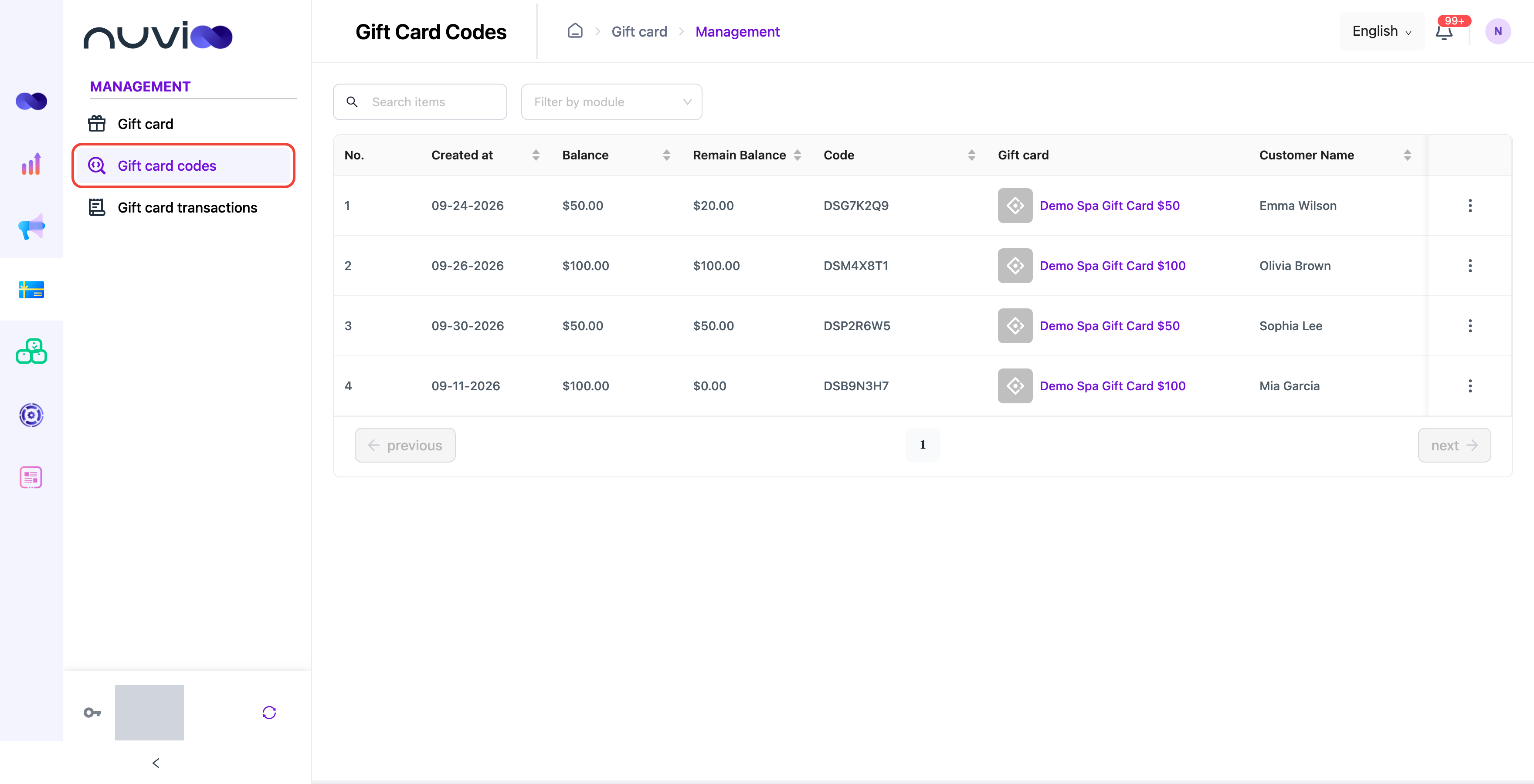
| Column | Meaning |
|---|---|
| Balance | What the card was worth when sold. |
| Remain Balance | What’s left to spend. |
| Code | The code the customer uses to pay. |
| Gift card | Which gift card was sold. |
| Customer Name | Who bought it, if recorded at the POS. |
| Status | Active, or disabled. |
Search by code, or filter by module.
Disable a code
Section titled “Disable a code”If a card is lost or misused, click ⋮ on its row and disable it. A disabled code can’t be used at the POS. You can enable it again the same way.
Codes are created only when a card is sold at the POS. You can’t create one in the Gift card portal.